Installs everything it needs
The game extensions NightCityNet requires are installed by the launcher, which checks that everything is in place.
Cyberpunk 2077
Available on Boosty
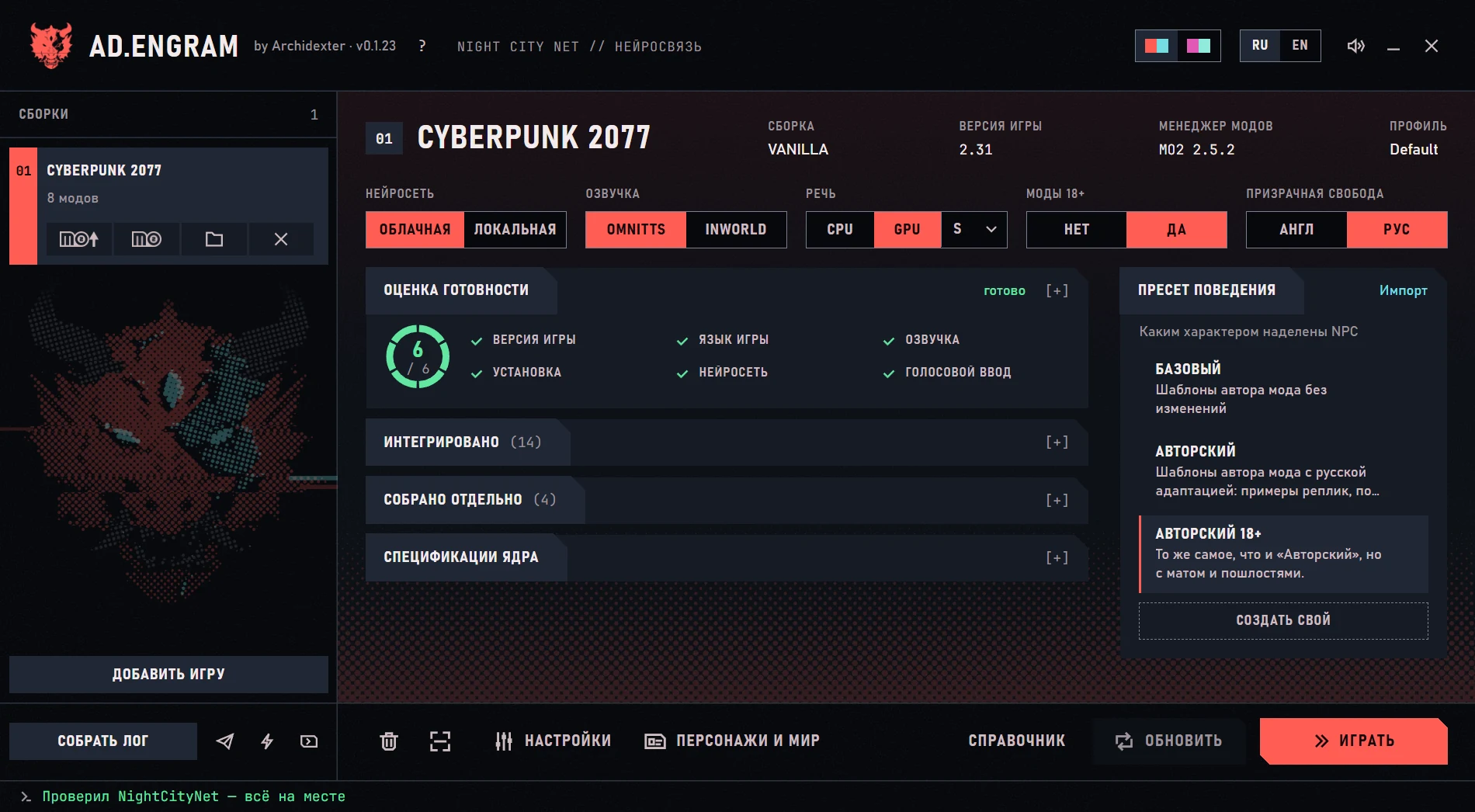
AD.Engram installs and configures the NightCityNet AI-NPC mod for Cyberpunk 2077 with everything it needs, wires up cloud or local voice and voice input, adds a Russian translation — and removes everything it installed just as cleanly.
Hey, choom. Watson’s quiet tonight. Too quiet. If you want some eddies, I’ve got a gig — best done without witnesses.
Sample lineMods and programs by other authors stay under their own licenses.
What it does
The game extensions NightCityNet requires are installed by the launcher, which checks that everything is in place.
Everything installed is removed as carefully as it was installed.
The AI model and the voice are cloud or local — chosen separately.
Talk to characters out loud — the launcher installs and checks speech recognition.
The Russian translation of the mod and interface installs with everything else.
NightCityNet’s author posts the archive in Discord: the launcher opens the right message and picks up the downloaded file.
Getting started
Launchers are distributed on the author’s page — by subscription or by buying a post. There are no archives in public repositories.
Into any folder. Run AD.Engram.exe.
From here the launcher leads: what to install, what is not ready yet, what to press.
When everything is ready, press “Play”: the launcher starts the game for you. All that is left is to walk up to any NPC and start talking.
FAQ
Other launchers
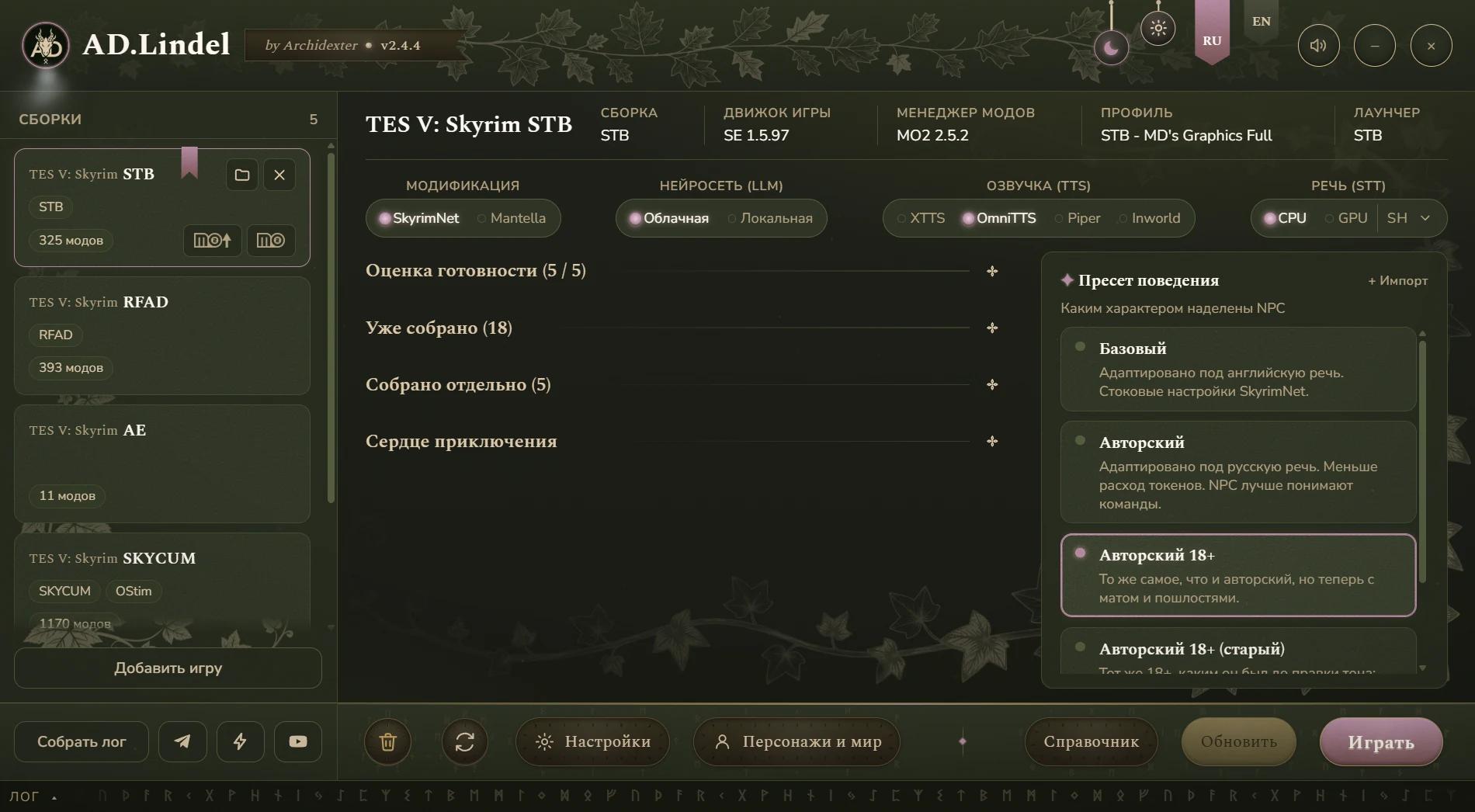
Installs SkyrimNet, SeverActions and IntelEngine and wires up voice and AI right into your build.
Details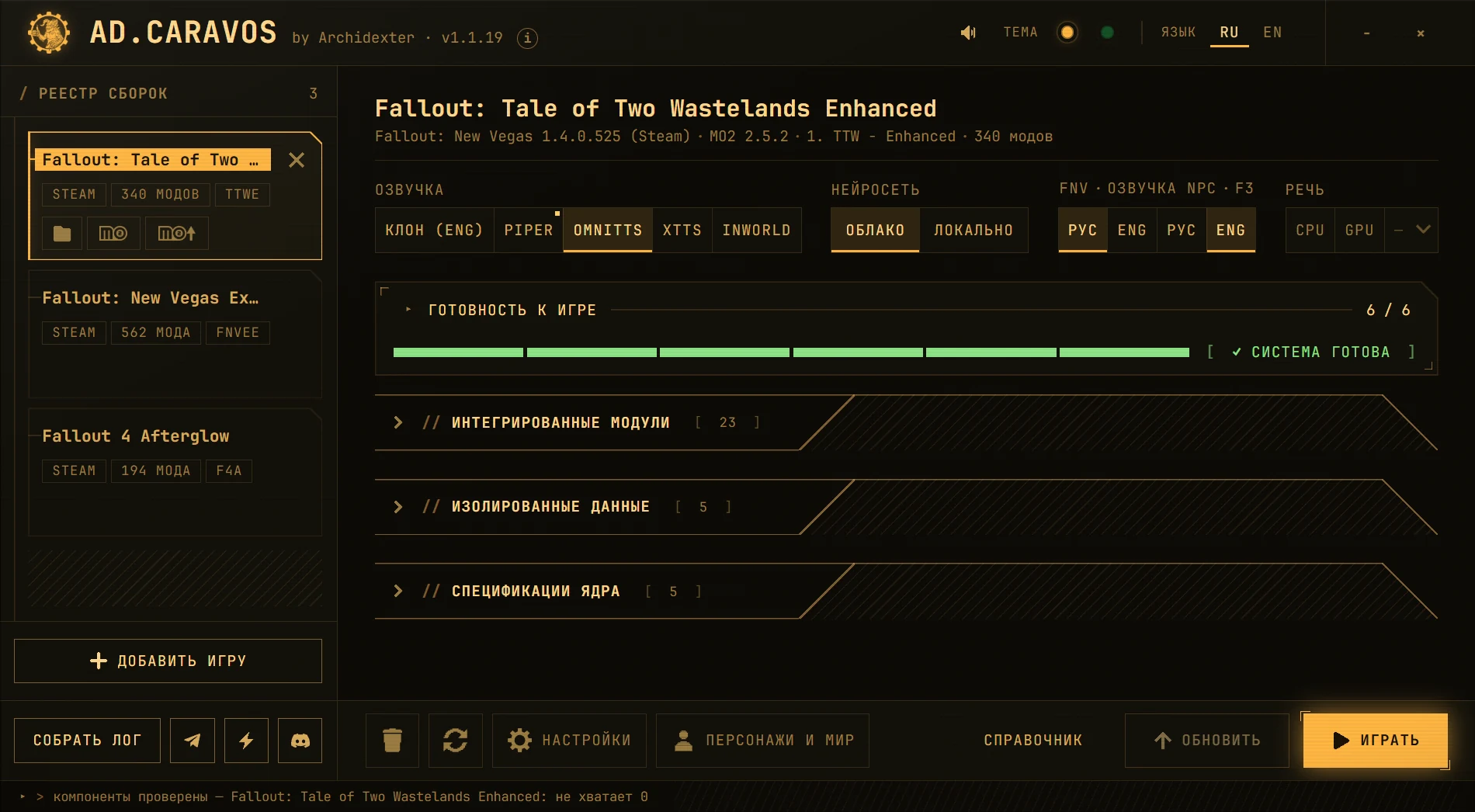
Brings Fallout: New Vegas, Tale of Two Wastelands and Fallout 4 to life — voice and microphone included.
Details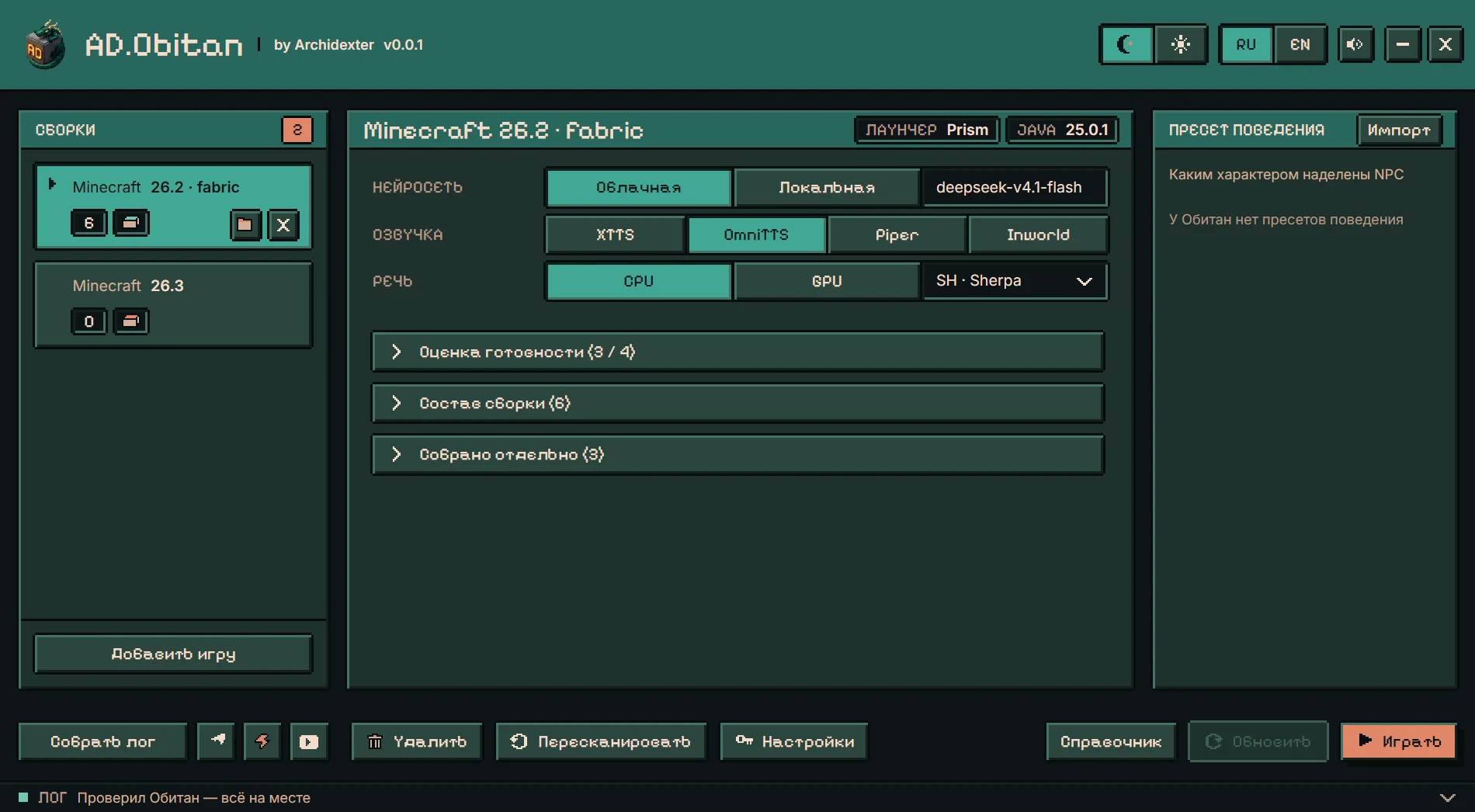
A launcher, a mod and a modpack so Minecraft villagers speak Russian.
Details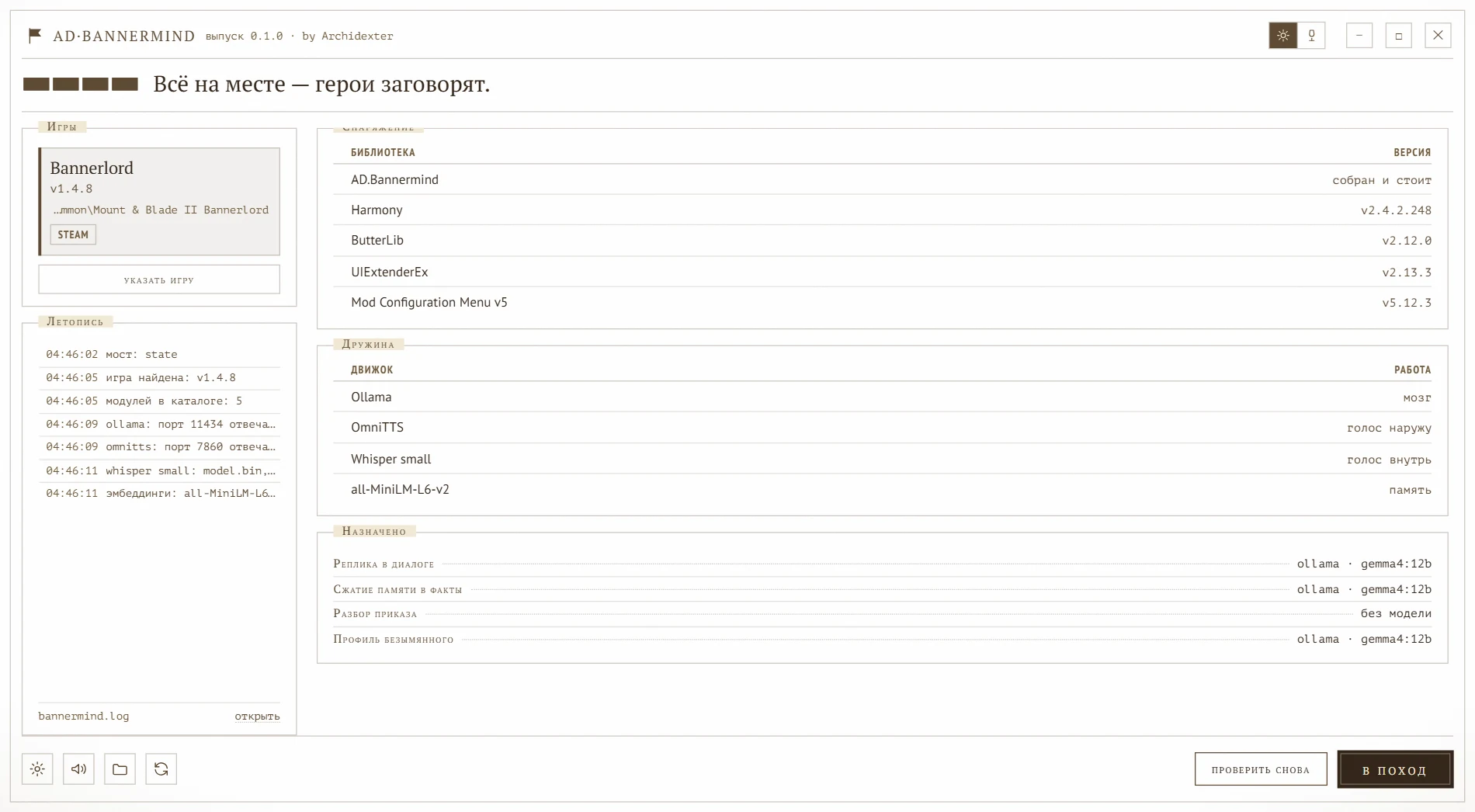
An AI-NPC mod and installer launcher for Mount & Blade II: Bannerlord.
Details