SkyrimNet or Mantella
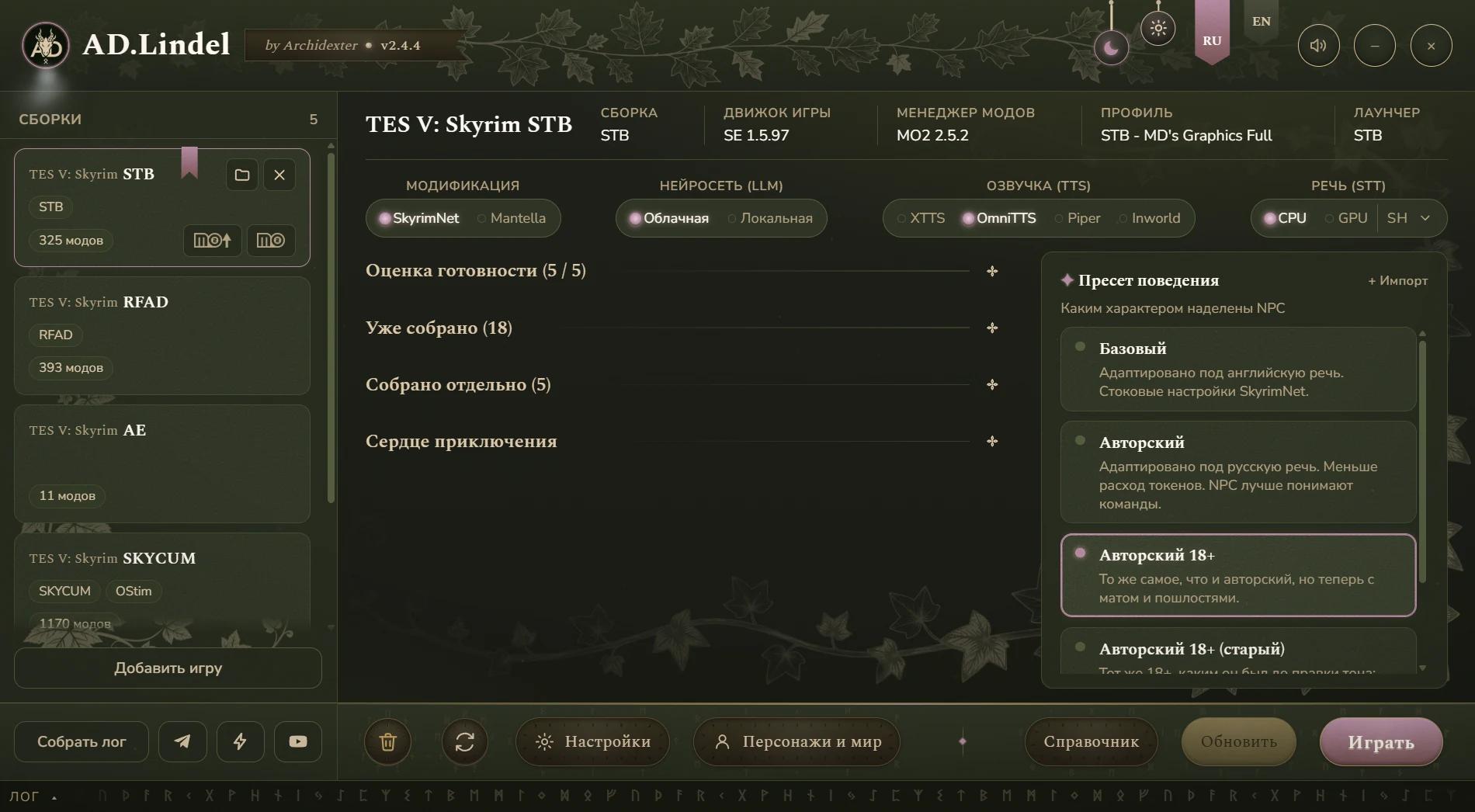
Which mod to install is one switch in the main window.
The Elder Scrolls V: Skyrim
Available on Boosty
AD.Lindel brings Skyrim NPCs to life: it installs and configures the AI-dialogue mods SkyrimNet (with SeverActions and IntelEngine) or Mantella, and wires up voice, speech recognition and an AI model — in the cloud or on your own PC.
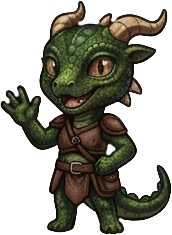
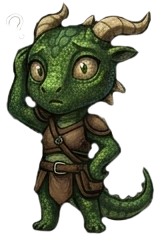
Hold, traveler. The north road isn’t safe these days — wolves, bandits, and you without armor. Sit by the fire and tell me where you’re headed.
Sample lineMods and programs by other authors stay under their own licenses.
* ElderCrown ships with SkyrimNet already built in. Some players had stability problems with the preinstalled mods, so if you install the rest on it through the launcher, first do this:
After that you can run the installation through the launcher and everything will work. Start the build through the launcher.
What it does
Which mod to install is one switch in the main window.
What character the NPCs get — ready-made presets or your own. Updates don’t overwrite your edits.
NPC biographies, your hero, the world and the characters’ memories are edited right in the launcher.
Each AI role gets its own model: a pricier one for the main part, a cheaper one for the chores.
The SkyrimNet panel and SeverActions windows are fully translated — on an English game too.
Hotkeys, hardware requirements and the order of steps live in the launcher itself — no chat digging.
Getting started
Launchers are distributed on the author’s page — by subscription or by buying a post. There are no archives in public repositories.
Into any folder. Run AD.Lindel.exe.
From here the launcher leads: what to install, what is not ready yet, what to press.
When everything is ready, press “Play”: the launcher starts the game for you. All that is left is to walk up to any NPC and start talking.
FAQ
Other launchers
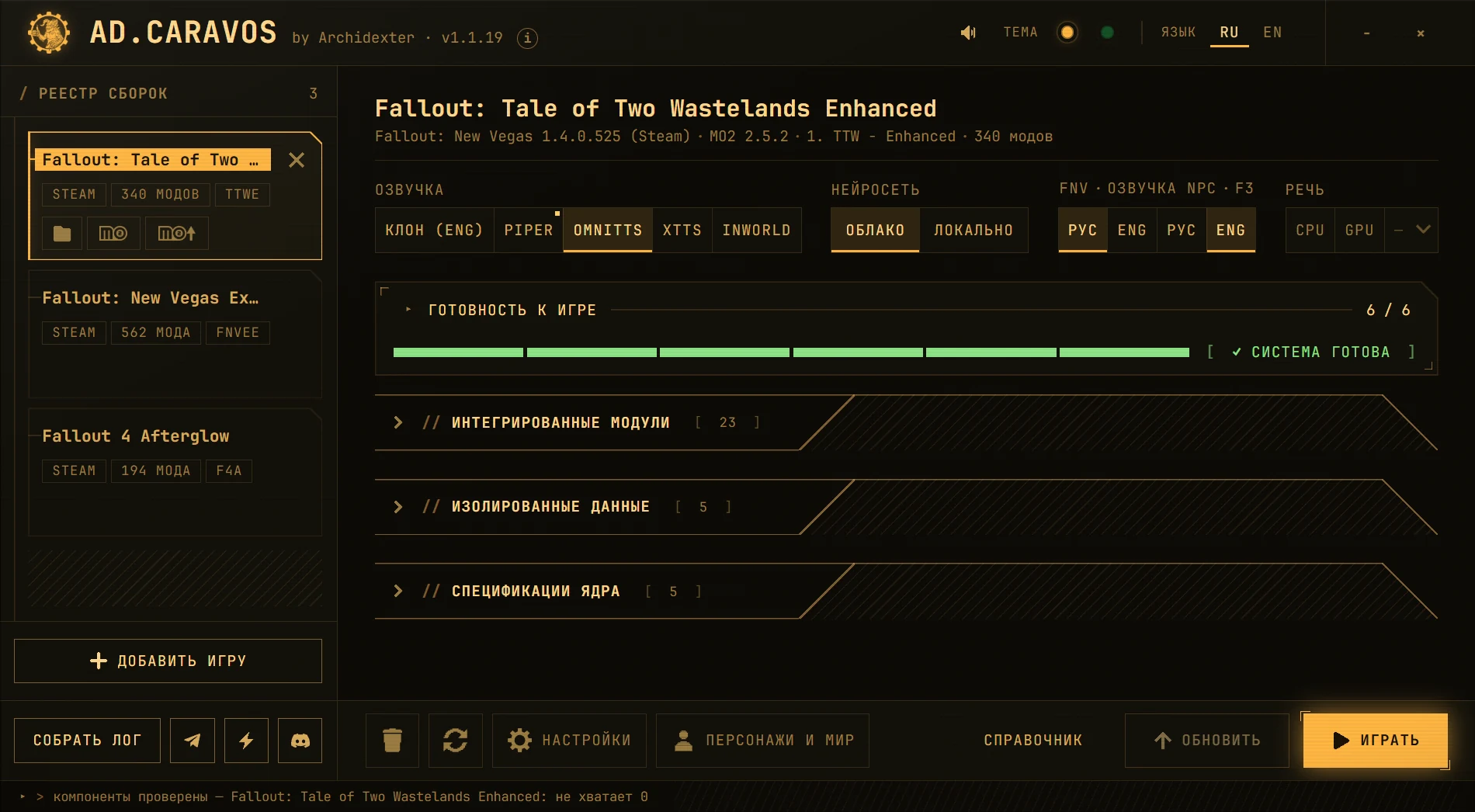
Brings Fallout: New Vegas, Tale of Two Wastelands and Fallout 4 to life — voice and microphone included.
Details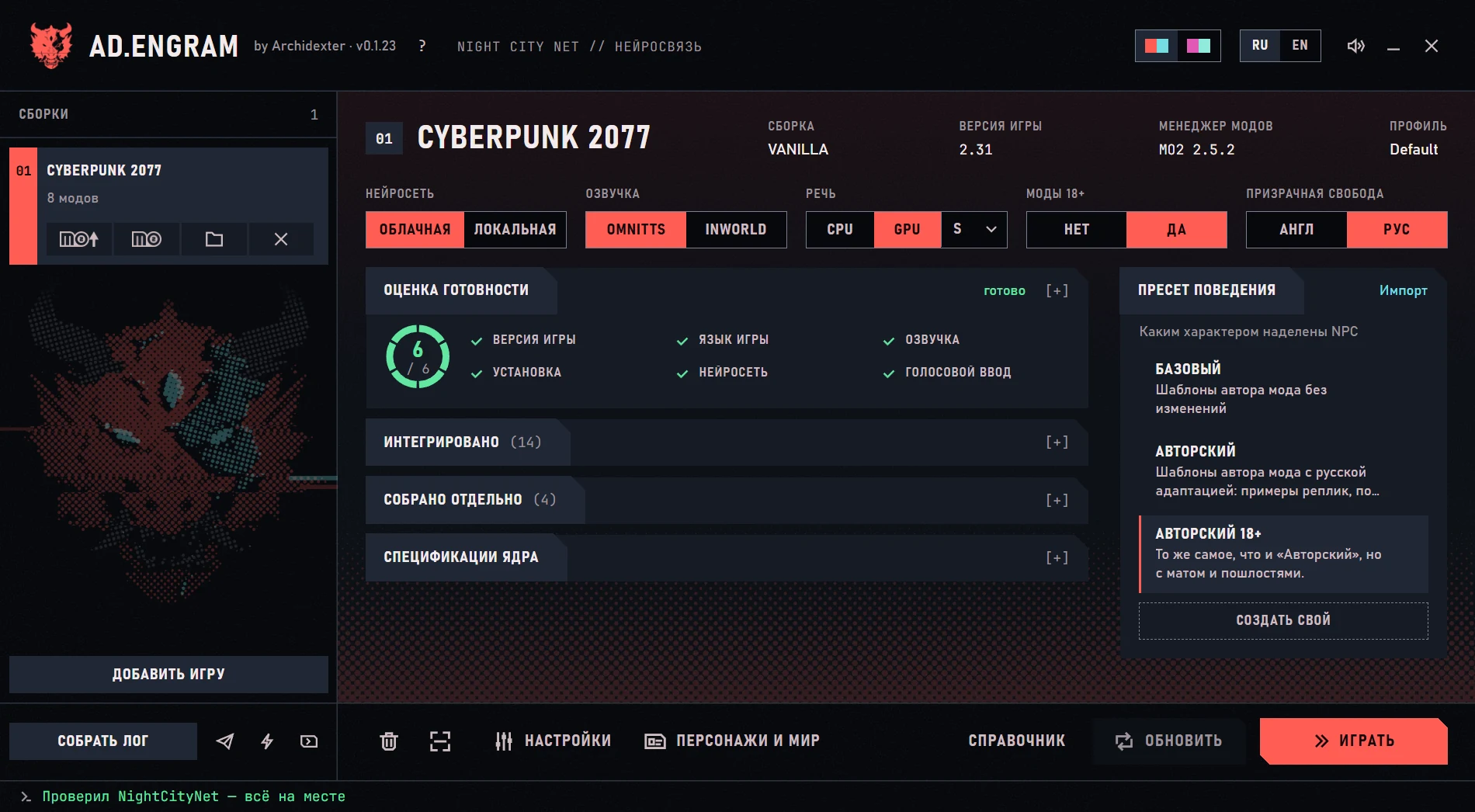
Installs NightCityNet into Cyberpunk 2077 with everything it needs — and removes it just as cleanly.
Details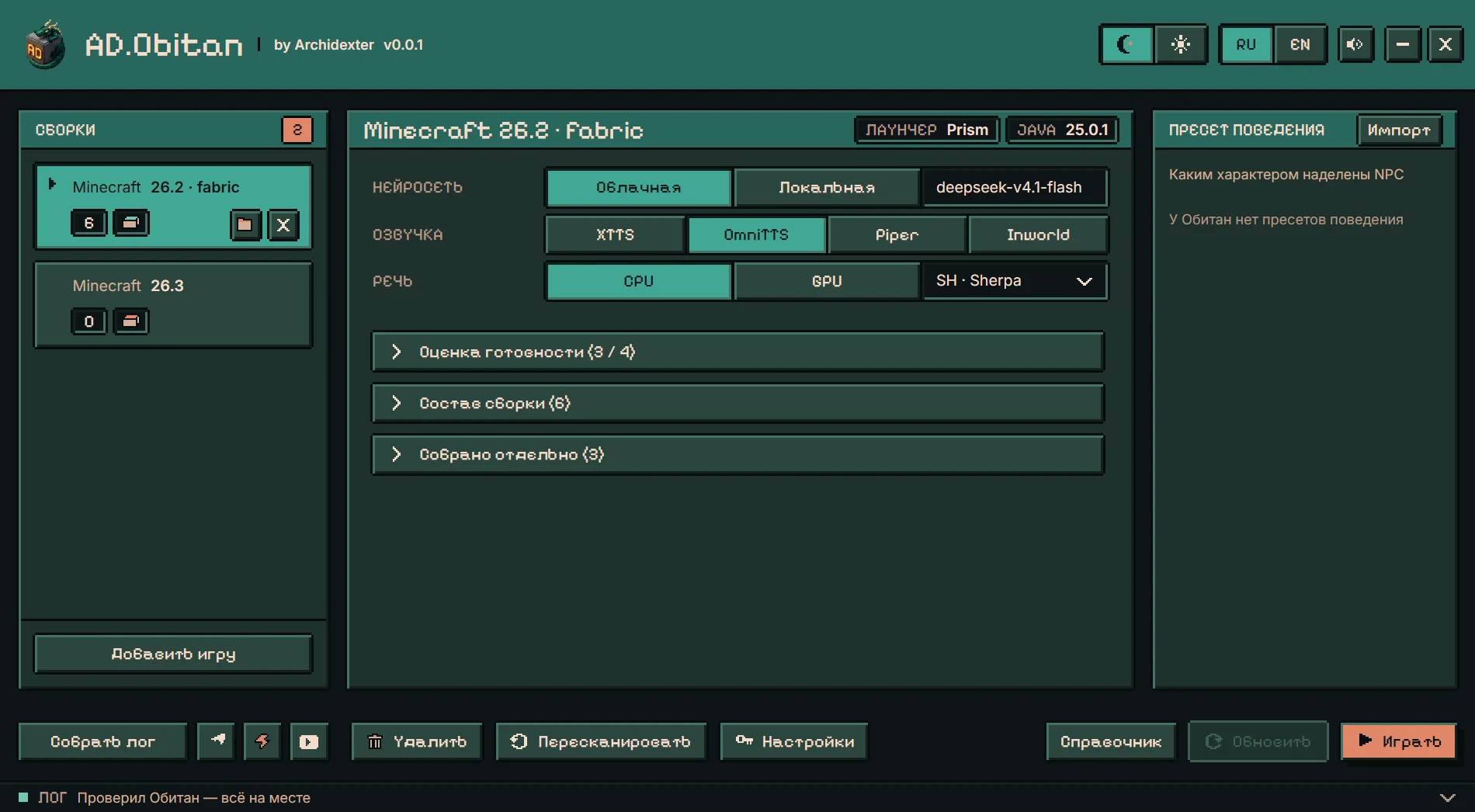
A launcher, a mod and a modpack so Minecraft villagers speak Russian.
Details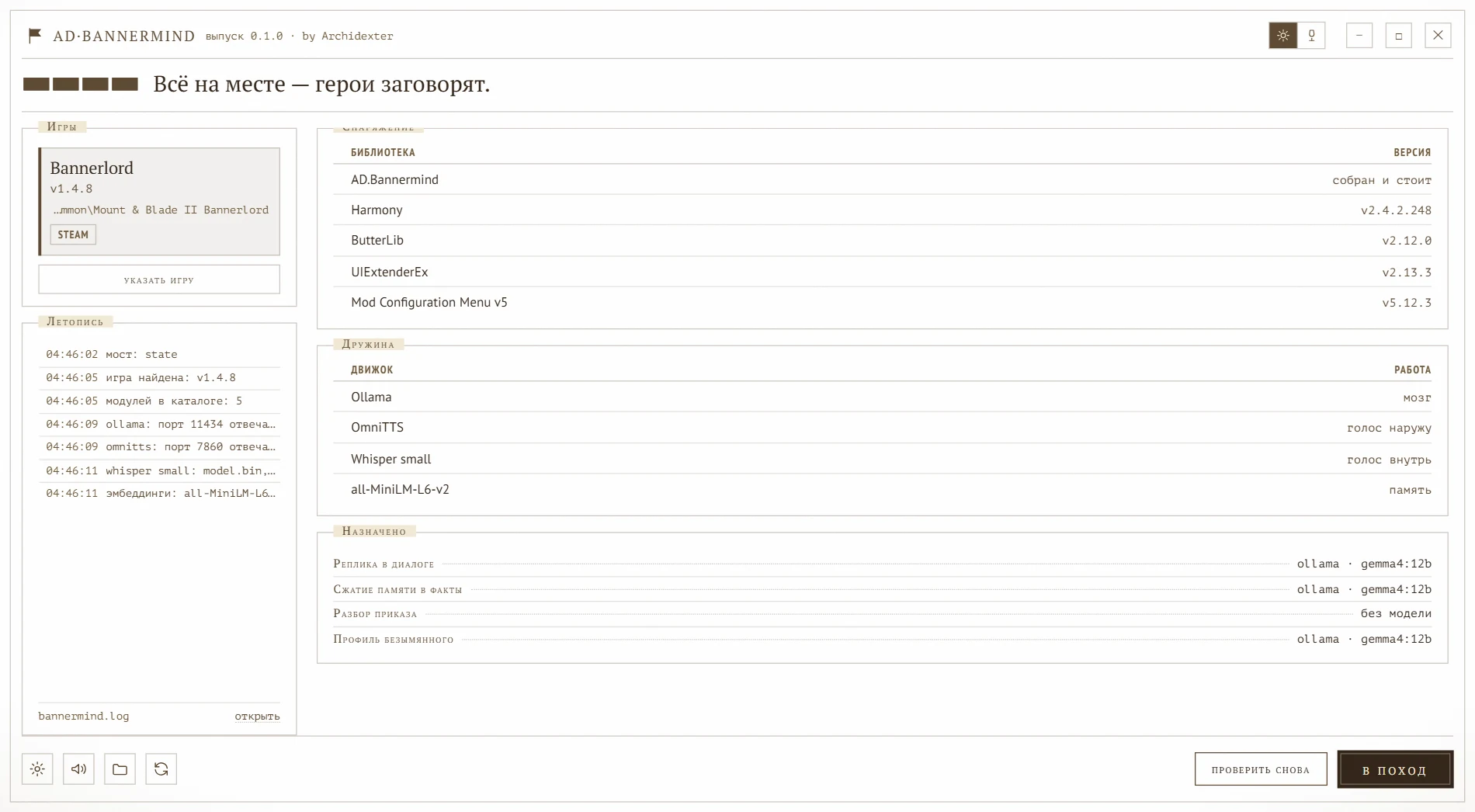
An AI-NPC mod and installer launcher for Mount & Blade II: Bannerlord.
Details